Learn how to count characters, words and lines in text online, when character counting matters, and how to check your text length quickly.
Whether you're writing a social media post, preparing a meta description, filling out an online form, or simply checking the length of a piece of text, knowing your character count can be surprisingly useful.
Counting characters manually is impractical, especially with longer text. A character counter gives you the answer instantly while also helping you understand the overall length and structure of your content.
In this guide, we'll explain how character counting works, when it matters, and how you can quickly count characters, words, and lines online.
What Is a Character Counter?
A character counter is a simple online tool that calculates the number of characters in a piece of text.
Depending on the tool, it may also provide additional information such as the number of words or lines. This makes it useful for writers, students, marketers, developers, and anyone working with text that needs to stay within a certain length.
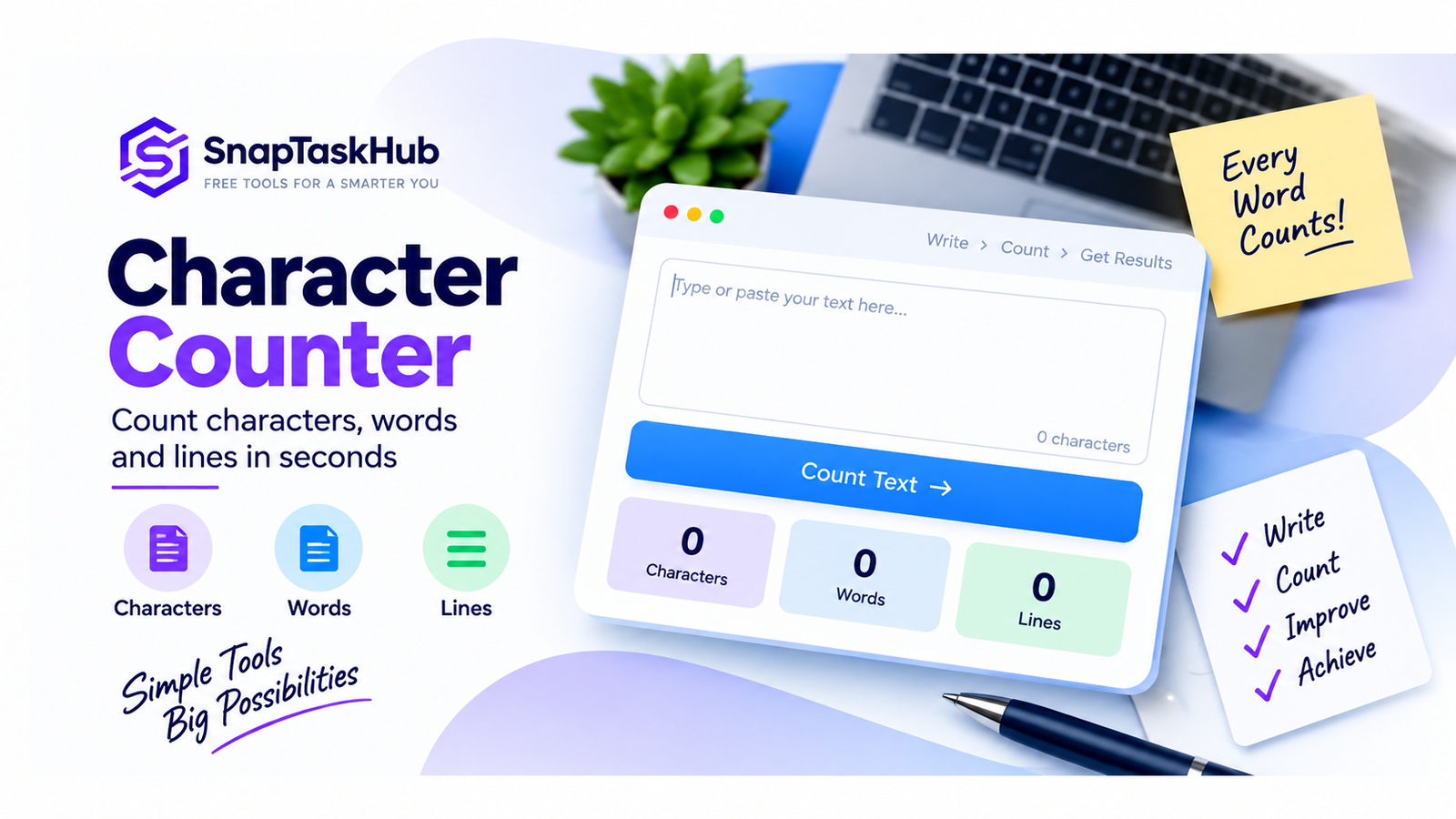
With the SnapTaskHub Character Counter, you can check three useful measurements at once:
Characters — the total number of characters in your text.
Words — the number of words detected in the text.
Lines — the number of lines in your text.
How to Count Characters Online
Using an online character counter takes only a few seconds.
- Open the SnapTaskHub Character Counter.
- Type or paste your text into the text box.
- Click Submit.
- Review the results for Characters, Words, and Lines.
There's no need to count anything manually, making the tool especially convenient when you're working with longer pieces of text.
Characters vs. Words vs. Lines: What's the Difference?
These measurements describe different aspects of your text.
A character count measures the individual characters contained in the text. A word count tells you how many words the text contains, while a line count tells you how many separate lines are present.
For example, a short paragraph might contain many characters and words but still occupy only one line if no line breaks have been added.
Having all three measurements together gives you a quick overview of both the length and structure of your text.
When Is Character Counting Useful?
Character counting can be useful in many everyday situations.
SEO Titles and Meta Descriptions
Search-related content often needs to remain concise. Checking the length of titles and descriptions while writing them can help you keep your content focused and avoid unnecessarily long text.
Social Media Content
Social platforms may apply their own text-length rules to posts, profiles, captions, usernames, or other fields. A character counter can help you measure your draft before publishing it.
Remember that individual platforms can have their own counting rules, so always check the requirements of the platform you're using.
Online Forms and Applications
Some forms limit the amount of text allowed in particular fields. Checking your character count beforehand can make it easier to shorten your response when necessary.
Messages and Short Text
When space matters, knowing the exact length of your text can help you edit it more efficiently.
Writing and Editing
Writers, students, editors, and content creators can use character and word counts to compare drafts, monitor text length, and keep content within specified requirements.
Does a Character Counter Include Spaces?
This depends on how the particular counter is designed.
The SnapTaskHub Character Counter reports the total character count of the entered text, including spaces.
This distinction is important because some situations may define a "character" differently. If you're working with a strict character limit, make sure you understand exactly how the destination platform counts your text.
What About Emojis and Special Characters?
Modern text often contains more than letters and numbers. Emojis, punctuation marks, symbols, and other special characters can also affect character counts.
Emojis are particularly interesting because what appears visually as a single emoji is not always represented internally as one simple character. Some emojis can be composed of multiple Unicode elements.
As a result, character counts can sometimes differ between tools, applications, and online platforms.
For an exact platform-specific limit, the final count reported by that platform should always be treated as the authoritative result.
Character Count vs. Word Count
Character count and word count answer two different questions.
Character count tells you how much individual text content is present at the character level, while word count measures the number of words.
For example, two sentences can contain the same number of words but have very different character counts because one uses longer words.
That's why checking both values can be useful when you're working with specific writing requirements.
Try the Free Character Counter
You don't need to calculate text length manually.
Paste your text into the SnapTaskHub Character Counter, click Submit, and instantly see its:
Characters • Words • Lines
Frequently Asked Questions
What is a character counter?
A character counter is a tool that calculates the number of characters contained in a piece of text. Some counters also provide word and line counts.
Does character count include spaces?
It depends on the tool. The SnapTaskHub Character Counter includes spaces in its reported character total.
What is the difference between character count and word count?
Character count measures individual characters, while word count measures the number of words in the text.
Can I count lines as well as characters?
Yes. The SnapTaskHub Character Counter displays the number of characters, words, and lines in the submitted text.
Why does character count matter?
Character counting is useful whenever text length matters, including online forms, social content, SEO-related writing, applications, messages, and general editing.