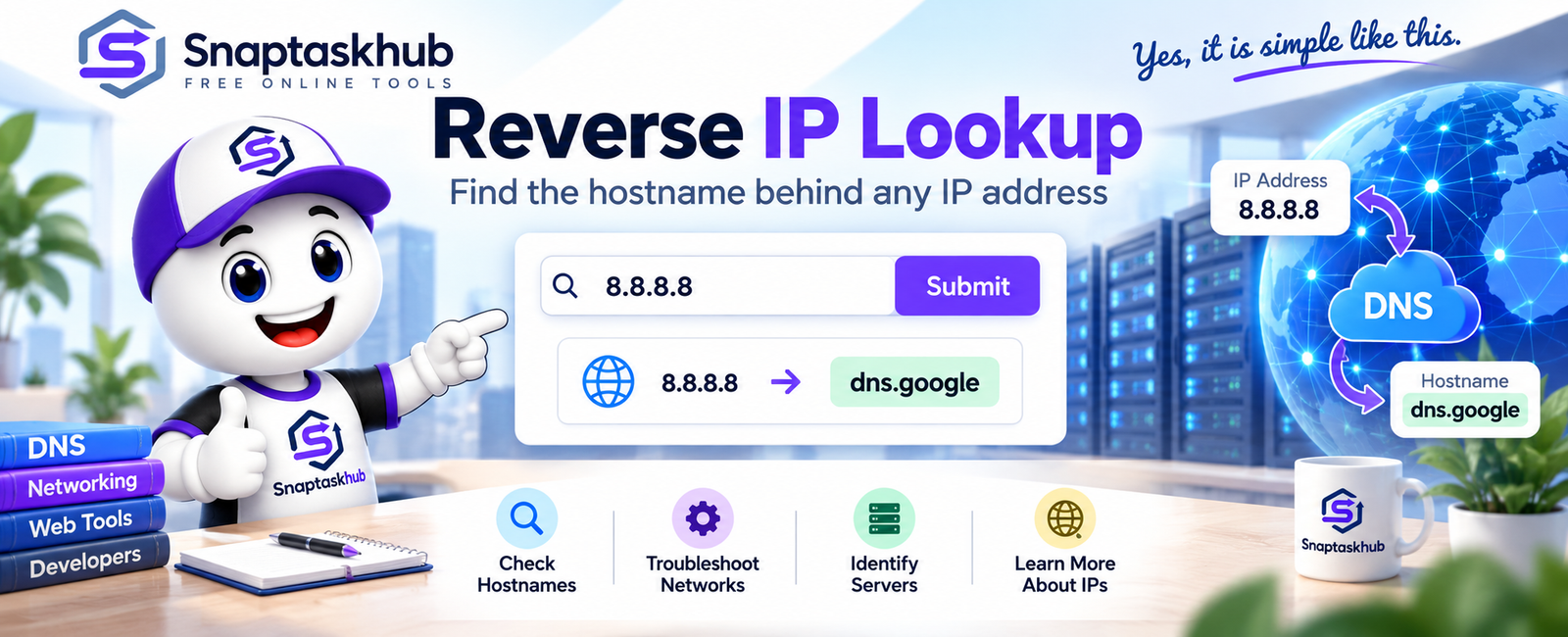
Learn how reverse IP lookup works, how to find a hostname from an IP address, and why some IP addresses may not return a hostname.
An IP address identifies a device or server on a network, but sometimes you need to know the hostname associated with that address. A reverse IP lookup can help you find this information by checking whether a hostname is mapped to a specific IP address.
This can be useful when troubleshooting network connections, investigating servers, checking DNS configuration, or simply learning more about an IP address.
What Is a Reverse IP Lookup?
A reverse IP lookup is a process that starts with an IP address and attempts to find the hostname associated with it.
This is the opposite direction of a standard DNS lookup. A normal DNS lookup typically converts a domain or hostname into an IP address, while a reverse lookup starts with the IP address and looks for its associated hostname.
For example:
IP address: 8.8.8.8 Hostname: dns.google
In this case, performing a reverse lookup on the IP address returns the hostname dns.google.
How Does Reverse IP Lookup Work?
Reverse IP lookup commonly relies on a DNS record called a PTR record, short for Pointer Record.
Instead of mapping a hostname to an IP address, a PTR record provides a mapping in the opposite direction:
IP address → Hostname
When you perform a reverse IP check, the lookup queries the reverse DNS system for an available PTR record associated with that IP address.
If a valid record exists, the corresponding hostname can be returned.
How to Perform a Reverse IP Lookup
You can perform the lookup directly using the SnapTaskHub Reverse IP Lookup tool.
- Open the Reverse IP Lookup tool.
- Enter the IP address you want to check.
- Click Submit.
- Review the result returned by the tool.
For example, entering 8.8.8.8 returns dns.google.
Try the Reverse IP Lookup tool: https://snaptaskhub.com/reverse-ip-lookup
Why Does an IP Address Sometimes Not Return a Hostname?
Not every IP address has a useful reverse DNS record.
If an IP address does not have a PTR record configured, a reverse lookup may not return a hostname. In some cases, the lookup result may simply remain the IP address itself.
This does not necessarily mean that the lookup failed. It may simply indicate that no hostname is available through reverse DNS for that particular address.
PTR records are generally controlled by the organization or provider responsible for the IP address, so the owner of a website domain may not always control the reverse DNS configuration directly.
Common Uses of Reverse IP Lookup
Reverse IP lookup can be useful in several situations.
Network troubleshooting: A hostname can provide additional context when investigating an unfamiliar IP address or diagnosing a network connection.
Server identification: Reverse DNS information may help identify the hostname associated with a server or network service.
Email server checks: Reverse DNS is commonly relevant to mail-server configuration because receiving systems may check whether a sending IP address has appropriate reverse DNS information.
DNS troubleshooting: Comparing forward and reverse DNS information can help when investigating DNS configuration issues.
Technical research: Developers, system administrators, and other users can use reverse lookup information when examining network infrastructure.
Reverse IP Lookup vs. Regular IP Lookup
Although their names are similar, these tools answer different questions.
A regular IP lookup generally provides information about an IP address, such as its approximate location, network, or other available IP-related data.
A reverse IP lookup instead asks:
“What hostname is associated with this IP address?”
Similarly, a normal DNS lookup typically starts with a domain or hostname and retrieves DNS information associated with it.
Understanding the difference helps you choose the right tool for the information you need.
Is Reverse IP Lookup the Same as Finding All Websites on an IP?
Not necessarily.
The term “reverse IP lookup” is sometimes used online for services that attempt to discover multiple domains or websites hosted on the same IP address.
A reverse DNS lookup is different. It checks the reverse DNS information associated with an IP address and attempts to retrieve its hostname through a PTR record.
Therefore, a hostname returned by a reverse lookup should not be interpreted as a complete list of websites hosted on that IP address.
Frequently Asked Questions
What is a reverse IP lookup?
A reverse IP lookup starts with an IP address and attempts to identify its associated hostname using available reverse DNS information.
What is a PTR record?
A PTR record is a DNS record used for reverse DNS resolution. It maps an IP address back to a hostname.
Why does my IP address not return a hostname?
The IP address may not have a PTR record configured. Not every IP address has publicly available reverse DNS information.
Can one IP address host multiple websites?
Yes. Multiple websites can share the same IP address, particularly on shared hosting or infrastructure. A reverse DNS result should not be considered a complete list of those websites.
What is the difference between DNS lookup and reverse DNS lookup?
A standard DNS lookup typically resolves a hostname to an IP address. A reverse DNS lookup works in the opposite direction by attempting to resolve an IP address to a hostname.
Conclusion
Reverse IP lookup provides a simple way to investigate the relationship between an IP address and its associated hostname. By checking reverse DNS information and PTR records, you can obtain useful information for DNS troubleshooting, server identification, network analysis, and other technical tasks.
If you have an IP address you want to investigate, you can use the SnapTaskHub Reverse IP Lookup tool to check whether a hostname is available.